
DiskDonut
Free
Understand your storage
- Scan folders & drives
- Rainbow ring, Inspector & lists
- Search with syntax
- 1 saved scan
Analyze & clean up your disk · for macOS
A colorful ring shows in seconds where your storage goes. A safety check tells you what can go.
DiskDonut is a Mac app
Send yourself the link and download it later on your Mac.

Click a segment to zoom in, the center to go back.
How it works
Pick a folder or drive – 1 million files in about 7 seconds.
Click through the ring, one level at a time.
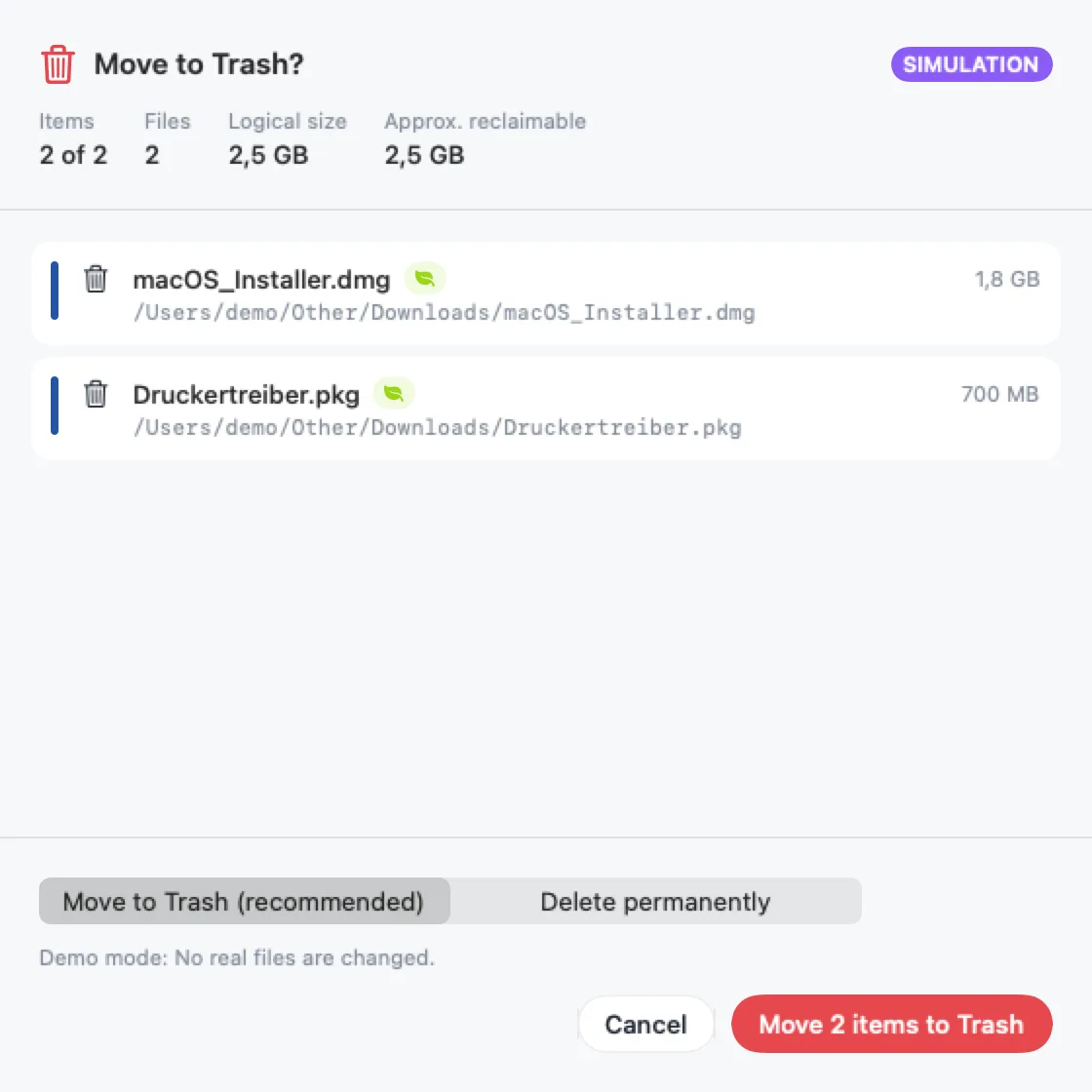
Every file gets a safety level. Moved to the Trash by default.
Color language
The largest area is blue, the second yellow, then pink, green … Subfolders keep their color – in lighter shades.
Including free space and system – the way macOS counts it.
Safety
Every file is checked before you remove it – with a reason.
macOS system. Locked.
Apps & Library. With a hint.
Your files. You decide.
Old installers & co. Usually safe to go.
Features
Shows what got bigger since the last scan.
Xcode, Homebrew, npm, node_modules & more.
Compares contents, not just names.
.mov >1gb or type:video
In the color of their area.
Keep an eye on free space – with a warning.
As a PDF report or CSV.
Fully usable without a mouse.
Only names, sizes and dates are read – contents only for the duplicate finder, which you start yourself. This website sets no cookies either.
DiskDonut is a native Mac app that shows what fills your storage and helps you clean up safely – with a colorful, interactive ring and a safety check for every file.
Comparison
Prices and licenses at a glance – verifiable, as of October 2026.
€9.99
one-time at launch · then €14.99
$9.99
one-time
from $39.95
per year · one-time from $119.95
approx. €18
one-time for 1 Mac · subscription approx. €9/year
As of October 2026. Sources: DaisyDisk – daisydiskapp.com/support/pricing; CleanMyMac – macpaw.com, macworld.com; Disk Space Analyzer (Nektony) – nektony.com/disk-expert/buy. Information provided without guarantee. Prices are in their original currency, plus tax where applicable, and may change at any time. All trademarks mentioned belong to their respective owners. We are not affiliated with any of the vendors mentioned.
Pricing
No subscription. Scanning is free – Pro unlocks cleanup.
Free
Understand your storage
Launch price
€9.99 instead of €14.99
one-time · up to 5 Macs · no subscription
Plus safe cleanup
Unlock Pro in the app
On the Mac App Store or as a download with a license key. Student discounts and team licenses on request: Get in touch
Prices include VAT. On the App Store, the prices shown there for your country apply.
Guides
Check your storage, free up space fast, and know what to leave alone.
Read guideWhat's inside System Data and how to shrink it safely.
Read guideFour ways to track down the biggest space hogs on your Mac.
Read guideDerivedData, DeviceSupport, simulators and archives: what can go and what should stay.
Read guideFAQ
No. System areas are locked, every file is re-checked right before removal, and by default everything goes to the Trash.
Scanning, the ring, lists, search and the demo. Pro (one-time €14.99, €9.99 at launch) unlocks cleanup, suggestions, duplicates, “What grew?” and export.
No – a one-time purchase for up to 5 of your own Macs.
No. No account, no cloud, no telemetry.
macOS also counts local snapshots and purgeable space. DiskDonut shows that part as “System & Snapshots” in the ring.

Download free – clean up when you’re ready.
DiskDonut is a Mac app
Send yourself the link and download it later on your Mac.